File compatibility guide
Open an MSW workspace on Mac, Linux, and Windows.
A .msw file is a Simulator workspace. Sykel lets you open compatible files locally—without uploading your engineering project anywhere.
What is inside
.msw holds more than a raw register list.
A workspace that restores the simulator connection, chart configuration, window positions, and the simulated device documents that were open together.
- Install Sykel Modbus Simulator for macOS, Linux, or Windows.
- Choose File → Open, or open the file from your operating system.
- Review the restored definition or workspace, then connect when you are ready.
Your file is opened by the local desktop app. It is not uploaded to Sykel.
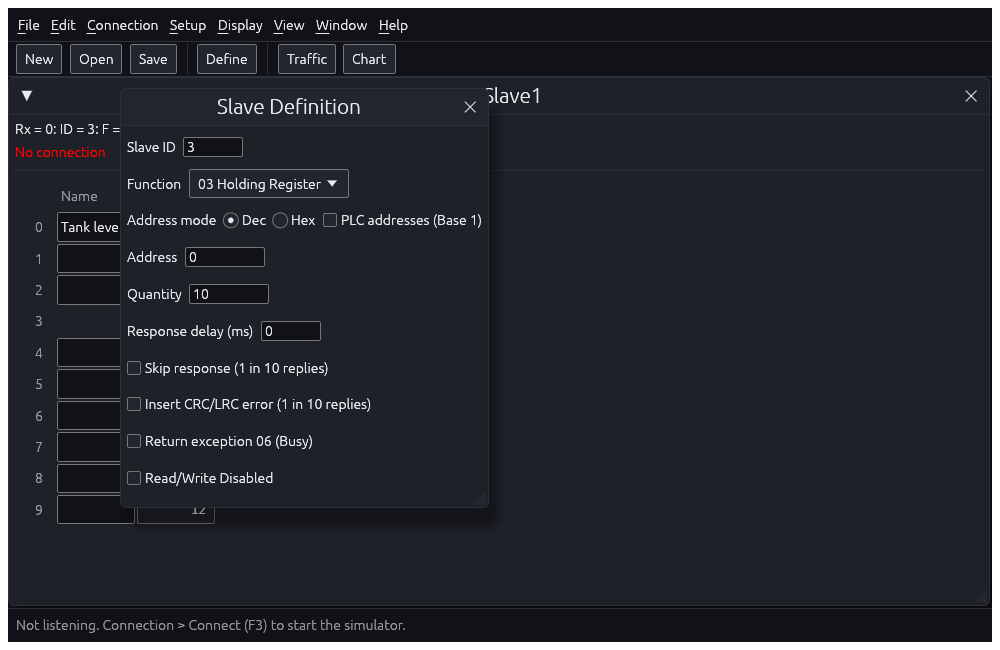
Prefer the workspace when you have it
If you also have a workspace file, open that first. A workspace can restore the collection of documents that belonged together, plus connection and layout context.
Older files
Sykel Modbus Simulator supports current compatible files and imports supported historical versions. If a file is too new or malformed, it is reported clearly instead of partially loading an unknown project.